
Updated 2026-02-21 · 8 min read · ymusicapk.in
MP3 vs M4A in YMusic: which quality should you download?
A friendly guide to YMusic download formats, bitrates, storage on budget phones, and the best settings for Bluetooth earbuds.
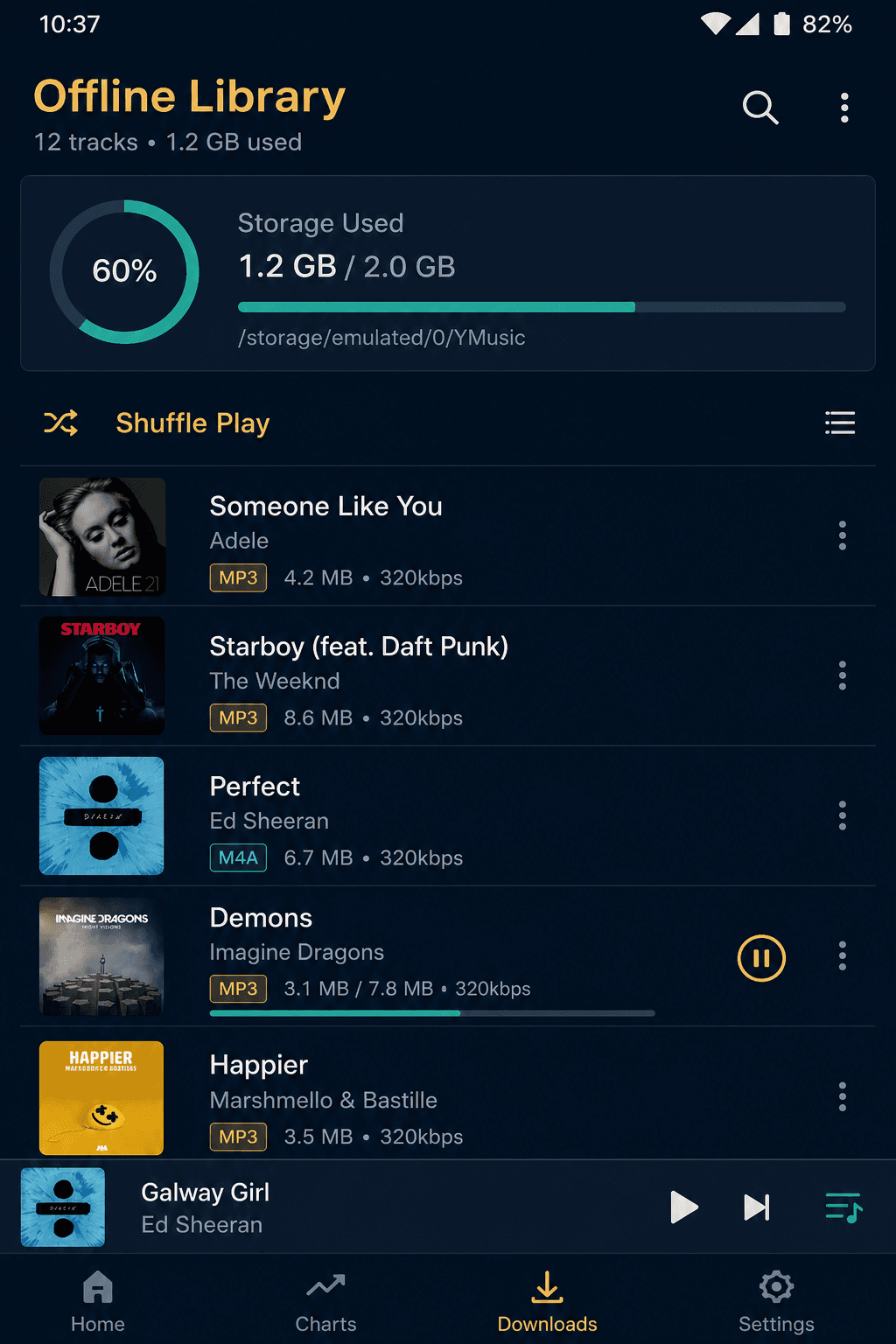
YMusic can save audio so you can listen in the metro, on a ferry, or in a village with weak 4G. The format you pick decides file size and how picky your car stereo will be.
MP3 is the universal option. Old USB players, cheap Bluetooth speakers, and almost every laptop will play it. If you move files around a lot, pick MP3.
M4A is often closer to the original YouTube audio stream. Files can be a bit larger. Most modern phones play M4A without drama. Very old feature-phone docks might not.
Higher bitrate means more detail and more megabytes. On small earbuds in a noisy bus, medium quality is usually enough. Save the highest setting for songs you care about and for Wi-Fi sessions.
Name your files clearly if you also open them in another player. Keep a folder for “exam week”, “gym”, and “sleep”. YMusic can play local files too, so your downloads and your old MP3 collection can live in one place.
Again: saving a file does not make it yours to share on WhatsApp groups as if you own the master. Treat downloads as personal listening, and support artists when you can — concerts, official merch, or paid streaming.