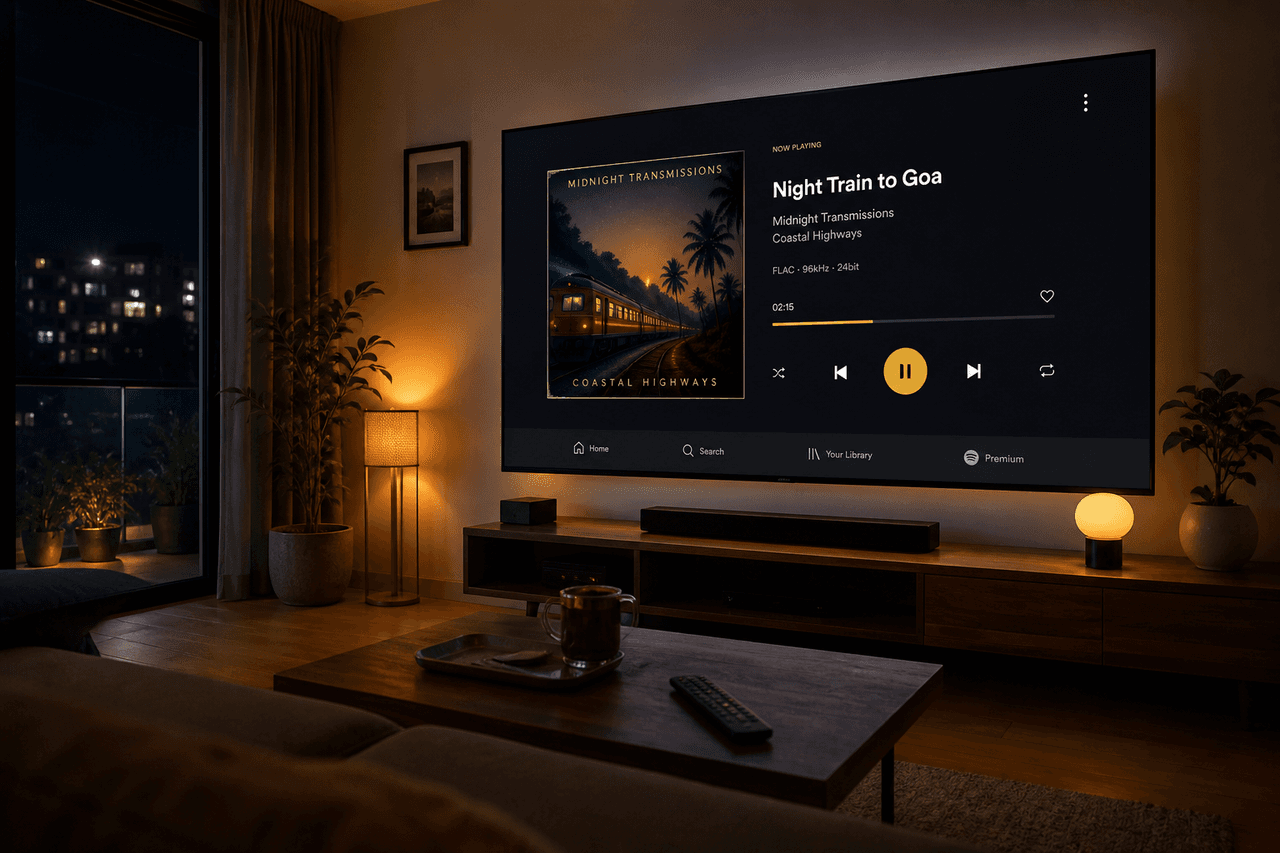
Option A — Android TV or TV box
If the TV (or a Mi Box, Fire TV with Explorer, or cheap Android stick) allows unknown sources, you can sideload the same APK. The phone UI will look small on a 43-inch screen. A mouse or TV remote with D-pad helps. This is a hobby setup, not a living-room product.
Option B — Phone + Bluetooth / Chromecast audio
Keep YMusic on the phone. Send sound to a TV soundbar or Bluetooth speaker. You get the features. The family gets the volume. This is the method we recommend for most homes in India and Indonesia.
Option C — Official YouTube on the TV
The YouTube app on smart TVs is the supported path. Background-play rules still follow Google’s product. If you want zero sideloading in the living room, use that.
APK file details stay on the download page.