What you will install
First, an emulator such as BlueStacks, LDPlayer, or Nox. These apps create a fake Android phone inside Windows (and some Mac setups). Second, the YMusic APK. Third, enough disk space — emulators are large, the APK is not.
Step by step
- Download an emulator from its real website, not a random ad.
- Install it and finish the first-run Android setup.
- If the emulator asks for ARM compatibility or 64-bit apps, enable that. Many YMusic builds need it.
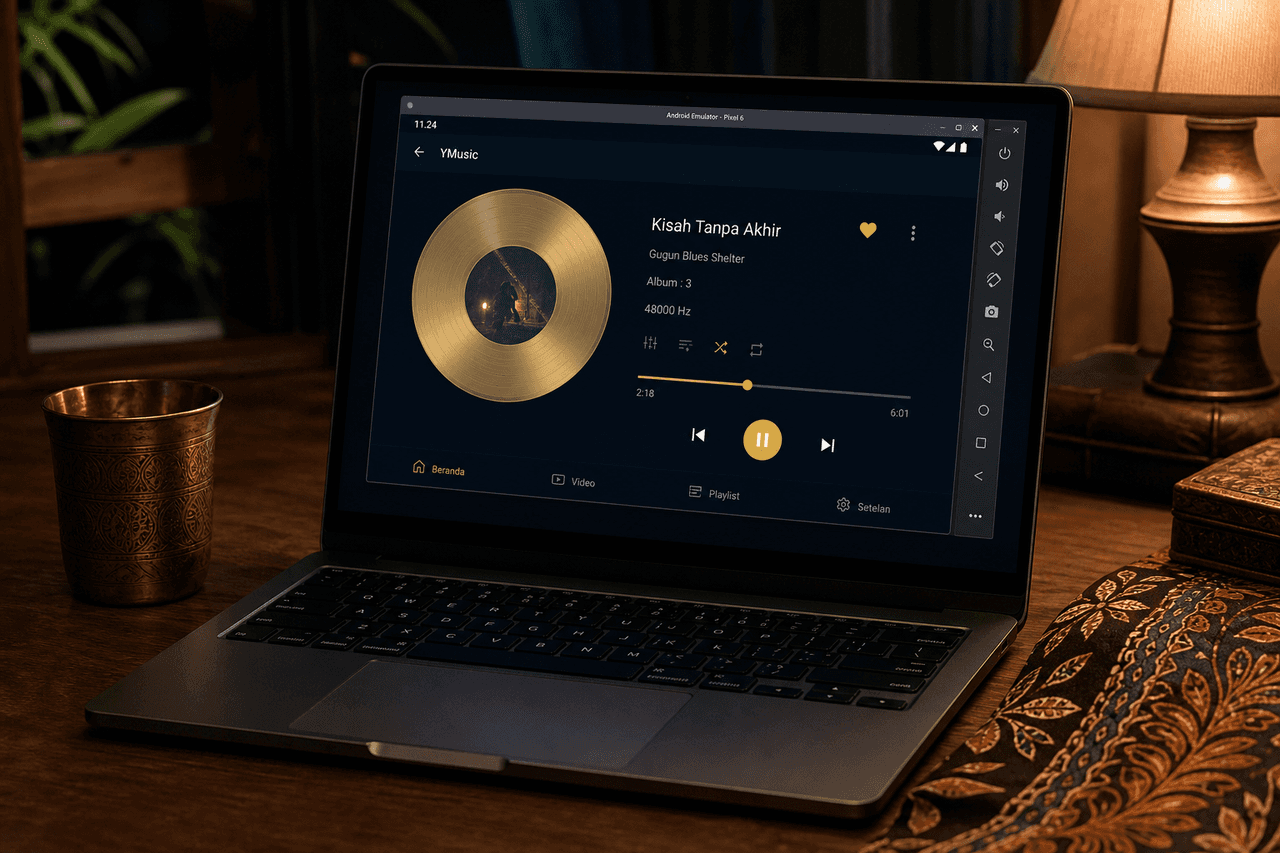
- Open the emulator browser, visit the download page, and install the APK inside the emulator — not only on the host Windows Downloads folder unless you drag the file in.
- Allow unknown sources inside the emulator. Open YMusic. Search a song with the keyboard.
When the emulator is the wrong tool
If you only want music while you work, YouTube Music or youtube.com in a browser tab is simpler and official. Use the emulator when you specifically want YMusic’s audio-only client, playlists, or downloads on a big screen.
Mac notes
Apple silicon Macs can run Android emulators, but setup is fussier. If an APK fails with “not compatible”, create an Android 9+ instance with ARM translation. Do not download a fake “YMusic.dmg” from a lookalike domain.