Updated 2026-09-04 · 12 min read · ymusicapk.in
How to play YouTube in the background on Android without Premium (2026)
YouTube now blocks background play in many mobile browsers. Here is what still works on Android: Premium, third-party players like YMusic APK, and why Brave/Samsung Internet stopped.
On this page
- The search is not “YMusic”. The search is the locked screen
- Why the official YouTube app stops
- What stopped working in 2026
- Option 1 — Pay for YouTube Premium
- Option 2 — A dedicated Android audio client (YMusic APK)
- Option 3 — Other open clients (NewPipe and similar)
- What we will not tell you to install
- A 60-second test that proves background play
- iPhone users
- Bottom line
The search is not “YMusic”. The search is the locked screen
Every day people type play YouTube in background Android, YouTube screen off, and YouTube background play without Premium. They are not hunting a brand. They want a song to keep going when WhatsApp opens or the phone goes dark. In 2026 that gap got wider: Google said background playback is a Premium feature and tightened the old mobile-browser loophole on Brave, Samsung Internet, Edge, and similar apps.
Why the official YouTube app stops
The free YouTube Android app is a video product. If you leave it, lock it, or switch apps, audio often stops unless you pay for YouTube Premium (or YouTube Music Premium in some plans). That is by design. It is also why India and Indonesia — huge YouTube music audiences on prepaid 4G — keep looking for a workaround that does not cost a monthly fee in rupees or rupiah.
What stopped working in 2026
For years, some people played youtube.com inside Chrome-alternatives, then locked the phone. Google has been closing that path so the experience matches the official app. If your “browser trick” died this year, you did not imagine it. A browser extension on Firefox may last a week and then break again. Do not build your daily commute on a trick Google is actively removing.
Option 1 — Pay for YouTube Premium
This is the clean, supported answer. You get background play, downloads inside the official apps, and fewer ads. You also pay every month. If you already share a family plan, stop reading and use the official app. This article is for people who will not or cannot add that bill.
Option 2 — A dedicated Android audio client (YMusic APK)
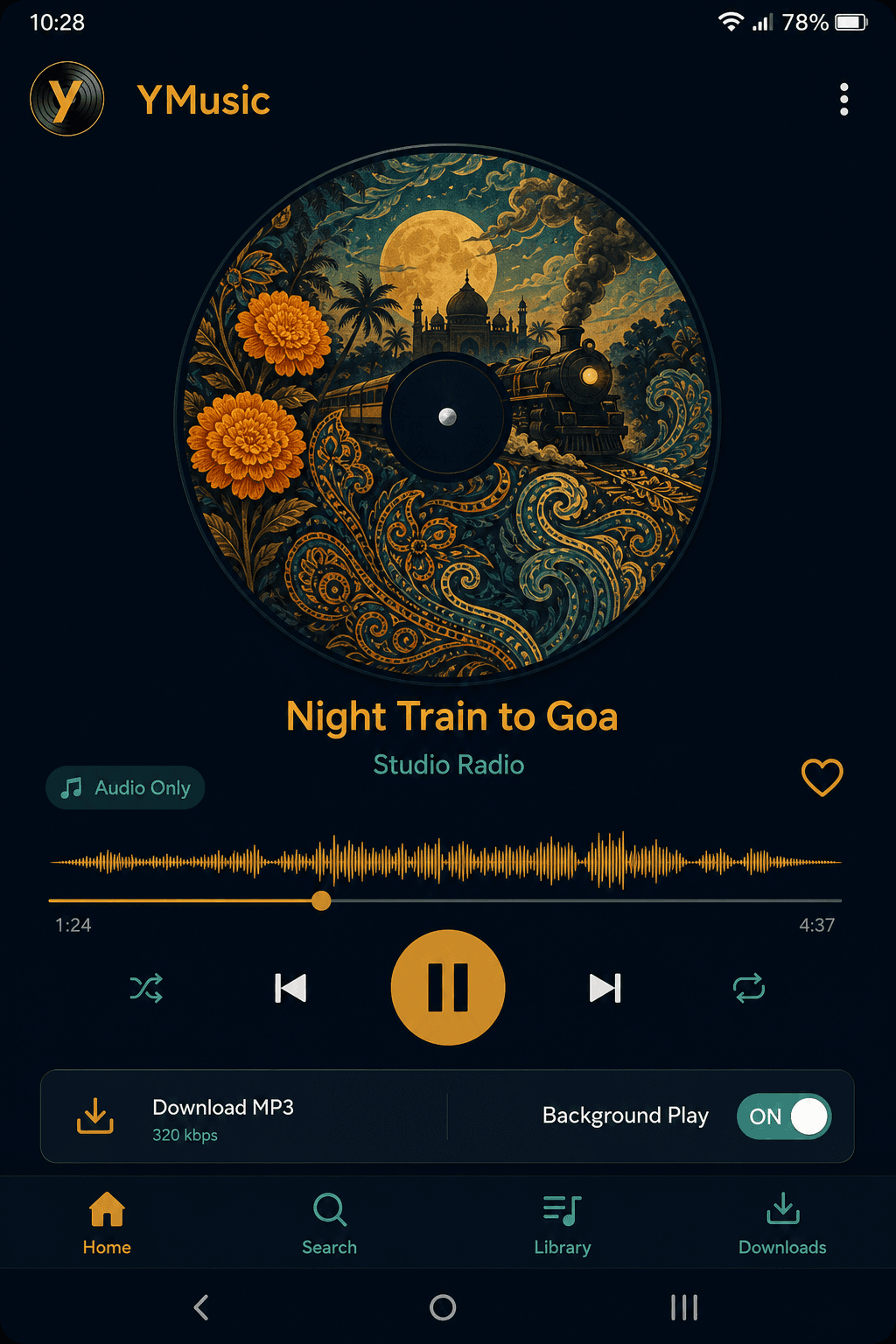
YMusic APK is a small third-party YouTube music player. You search like YouTube search, switch to audio-only, and keep listening with the screen off. It is not Google. It is not on Play Store. You sideload an APK and you update it yourself when YouTube changes. That is the honest trade. For a file that matches the current ymusicapk.in buttons, use the download page on this site, then allow unknown sources.
Option 3 — Other open clients (NewPipe and similar)
NewPipe-style apps also play YouTube without the official player. Some people prefer them because they are open source. They have the same class of risk: YouTube can break them, and you must install from F-Droid or GitHub, not a random “MOD”. This article will not pretend they are identical to YMusic. YMusic is tuned as a music player with downloads and an equalizer. NewPipe is a broader YouTube client. Pick one. Do not stack three APKs that fight each other.
What we will not tell you to install
Random ReVanced patches from Telegram, “YouTube Premium APK” files, and 200 KB iPhone IPAs. Those searches have volume too. They are also how phones pick up junk. If a page promises the official YouTube app with Premium unlocked, close it.
A 60-second test that proves background play
Install one client. Play a two-minute song you know. Turn on audio-only if the app has it. Lock the screen. Wait 20 seconds. If sound continues and a media notification is still there, you have background play. If it dies, go to Battery → Unrestricted for that app. Xiaomi, Oppo, and Vivo kill players by default. That fix has nothing to do with YouTube Premium.
iPhone users
APK files do not install on iOS. Background YouTube without Premium is much harder on iPhone. Official Premium, or keep a tab open, are the realistic paths. See our YMusic for iOS page so you are not sold a fake IPA.
Bottom line
The high-volume keyword is play YouTube in the background. The 2026 fact is that browsers are a weak plan. Premium is official. A maintained Android APK such as YMusic is the practical free path for people who accept sideloading. Update the APK when search breaks. Respect copyright when you save files. That combination is how you beat thin competitor posts that still say “just use Brave”.