
Updated 2026-08-12 · 10 min read · ymusicapk.in
YouTube using too much data on Android? Fix it for prepaid 4G
YouTube burns GB on video even when you only want songs. See why, use a data calculator, and switch to audio-only with YMusic APK on Indian and Indonesian packs.
On this page
The complaint is about the pack, not the song
YouTube using too much data is a high-volume problem query in India, Indonesia, Pakistan, and the Philippines. Jio, Airtel, Vi, Telkomsel, XL — the names change, the maths does not. A music video at 720p can eat hundreds of megabytes per hour. You were never watching. The phone still downloaded the picture.
Why the official app is expensive
YouTube picks a video stream first. Quality settings help, but “Data saver” still sends video. Picture-in-picture and autoplay add more. Background play on the official app is tied to Premium, so free users often leave the screen on “for the music”. That is the worst of both worlds: video data plus a bright display.
Audio-only is the actual fix
If the need is sound, request sound. YMusic APK and similar clients can stream the audio track and skip pixels. Our calculator on the homepage uses ~700 MB/hour for video versus ~50 MB/hour for audio. Two hours a day is the difference between a pack that dies in a week and one that lasts the voucher.
Do this inside official YouTube anyway
Turn off autoplay. Cap quality on mobile networks. Download only on Wi-Fi if you pay for Premium. Disable HD on 4G. These steps help a bit. They do not turn YouTube into a radio. That is why the keyword keeps coming back.
Do this with YMusic APK
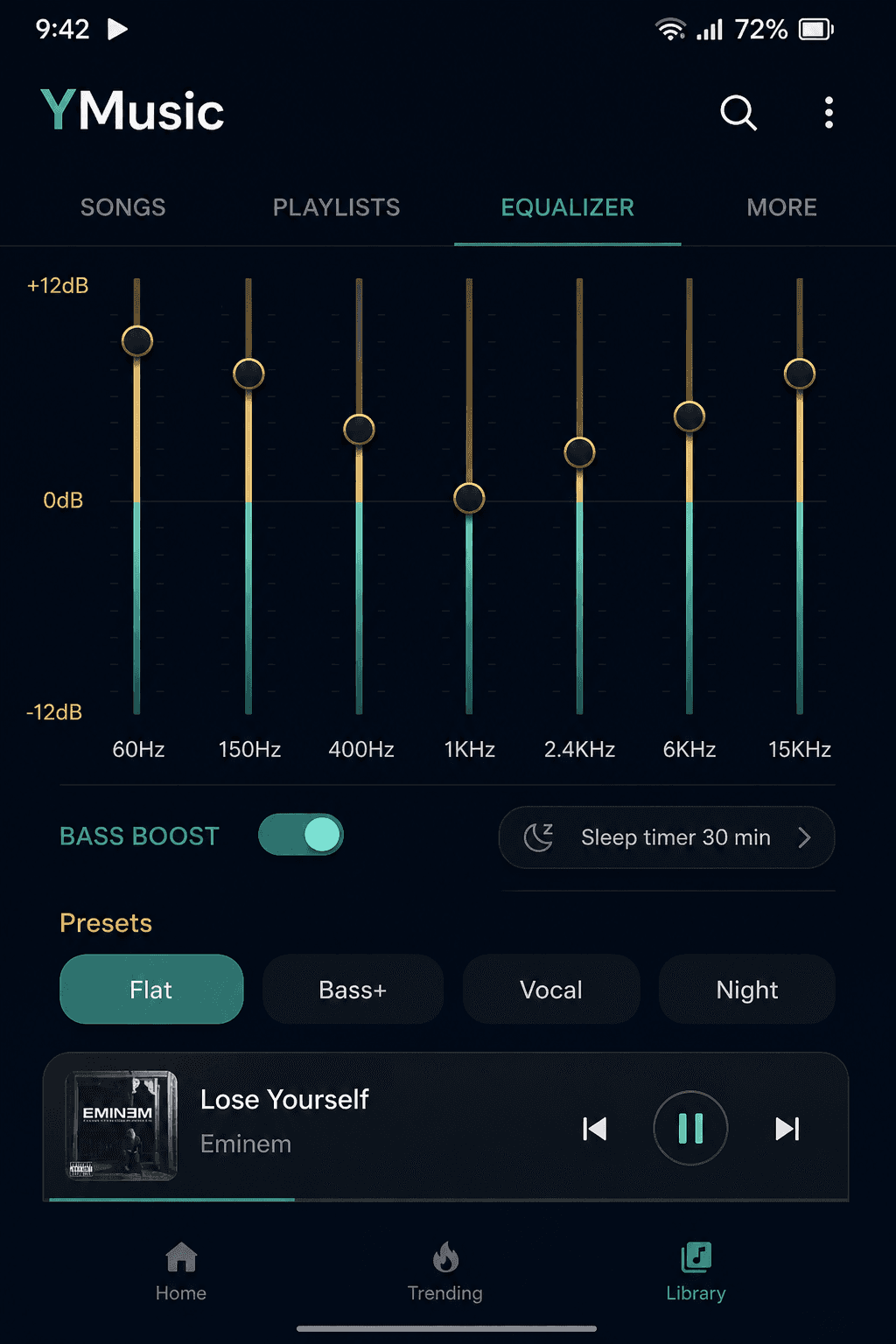
Install from the same download button we use on ymusicapk.in. Open a song. Enable audio-only. Lock the screen. On Wi-Fi, download the 20 tracks you replay every week so office 4G is only for new searches. Set a sleep timer at night so streaming does not run until Fajr or until the generator cuts.
Phone settings that fake a “data leak”
Hotspot to a second phone. Kids leaving YouTube Shorts on loop. Chrome preload. Play Store auto-update on mobile data. Check those before you blame one music APK. Then check Android’s data usage screen per app for a week. Numbers beat guesses.
What competitors get wrong
They say “saves 90% data” with no hours, no pack size, no Samsung vs Xiaomi battery kill. We give a slider, prepaid context, and a clear split: official app versus audio client. If your only goal is saving the pack, you do not need a 4,000-word history of YMusic. You need audio-only and Wi-Fi downloads. That is this article.