
Updated 2026-04-02 · 8 min read · ymusicapk.in
How YMusic audio-only mode saves mobile data on prepaid plans
Simple numbers for Indian and Indonesian 4G users: why YouTube video streaming is expensive and how YMusic APK audio-only listening stretches a data pack.
A two-hour commute with YouTube video in the background (or with the screen on “for the music”) can burn more than a gigabyte. That is painful on a 1.5 GB/day pack and brutal on a smaller voucher.
YMusic’s audio-only idea is simple: do not pull the video picture if you only want sound. Lower quality audio uses even less. You can still search the same tracks. You just stop paying for pixels you are not watching.
Practical setup: open a song, switch to audio-only, pick a medium quality if you use cheap earphones, and download overnight on Wi-Fi the albums you play every week. Office Wi-Fi and home Wi-Fi are the cheapest “premium” you will ever get.
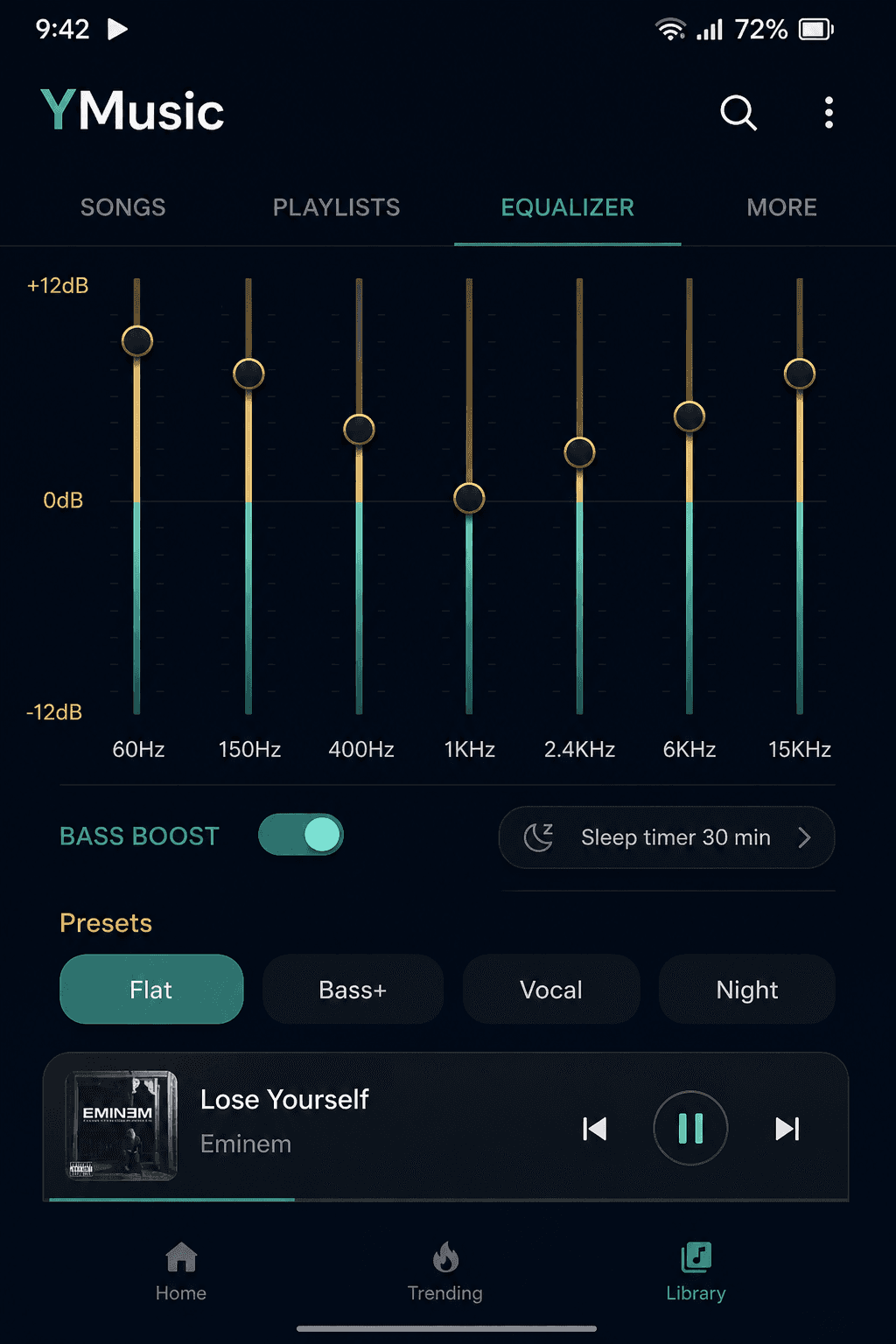
Pair this with a sleep timer at night so the app does not stream until morning. Pair it with playlists so you are not hunting new videos on mobile data during peak hours.
If a video has important visuals — a guitar lesson, a live concert you actually want to see — use normal video mode or the floating window. Audio-only is a tool, not a rule. Use it when the screen would have been in your pocket anyway.