
Updated 2026-03-14 · 9 min read · ymusicapk.in
YMusic not working? Nine fixes that actually help
Search, playback, and download broken on YMusic APK? Update the APK, clear cache, check battery limits, and other fixes written in simple English.
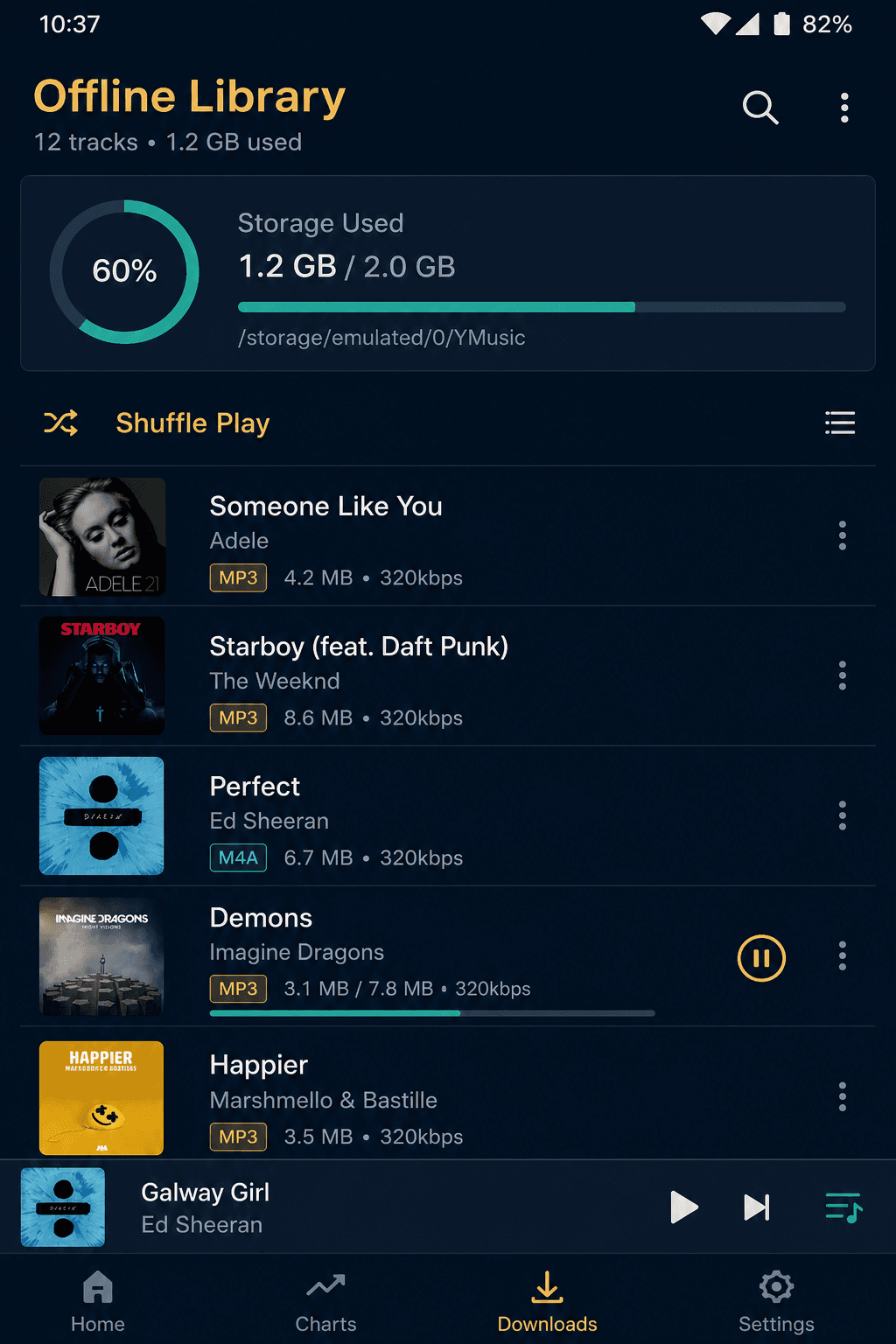
When YMusic breaks, people assume the phone is bad. Usually the app is simply old, or the phone is killing it to save battery.
Fix 1: install the latest APK over the old one. This solves a large share of empty search results and extract errors after YouTube-side changes.
Fix 2: clear cache (not always data) in Android Settings → Apps → YMusic. Then reopen and try one short track.
Fix 3: turn off battery optimisation for YMusic. Xiaomi, Oppo, and Vivo are aggressive. If the notification player disappears, the system probably froze the app.
Fix 4: allow notifications and nearby devices / Bluetooth permissions if you use earbuds. Without notification access, lock-screen controls feel broken.
Fix 5: check storage. Downloads fail when the phone has no space, or when a folder permission was denied on Android 13+.
Fix 6: try mobile data and Wi-Fi separately. Some campus and office networks block video CDNs.
Fix 7: do not run two YouTube clients that fight for the same login cookies unless you know what you are doing. Keep it simple.
Fix 8: reinstall. Uninstall, reboot, install a clean APK. Restore music files from a backup folder if you kept one.
Fix 9: if a brand-new APK still fails for everyone, wait for the developer. Public YouTube clients break in waves. A forced “mod” will not magically outrun an API change.